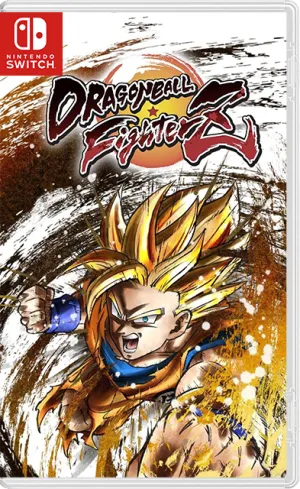
DLC + UPD
Dragon Ball FighterZ
BANDAI NAMCO Entertainment
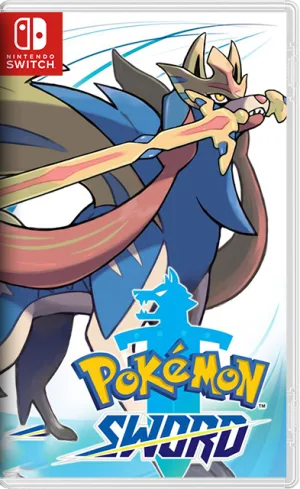
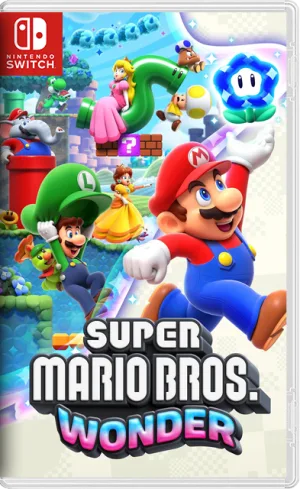
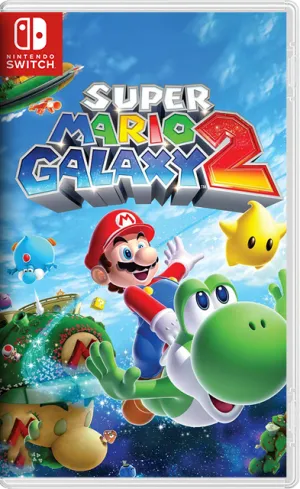
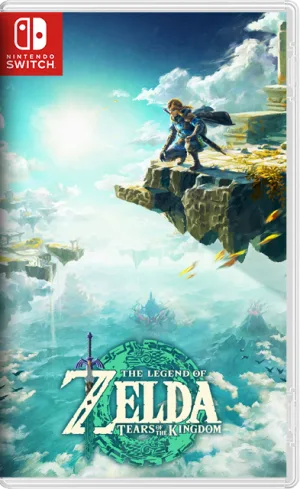
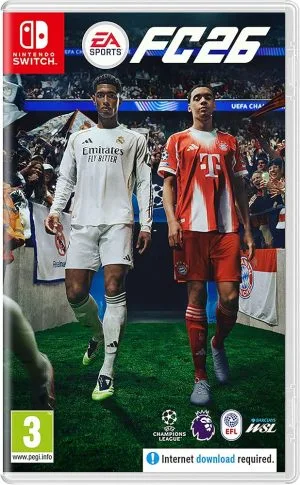
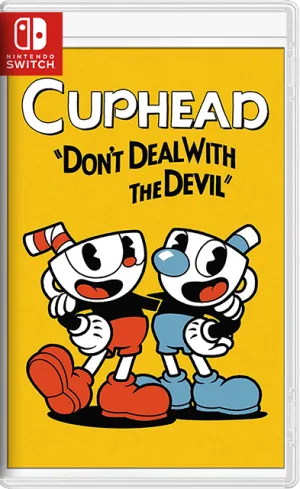
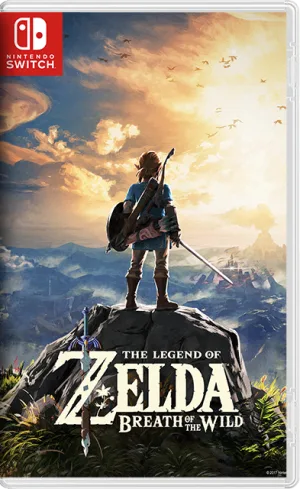
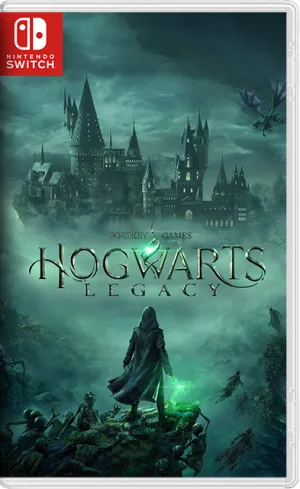
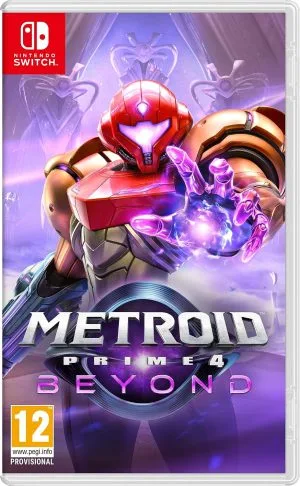
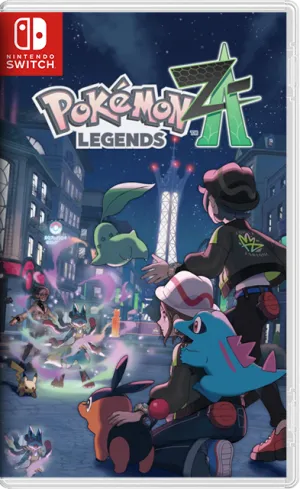
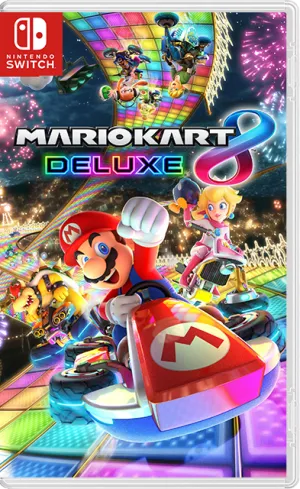
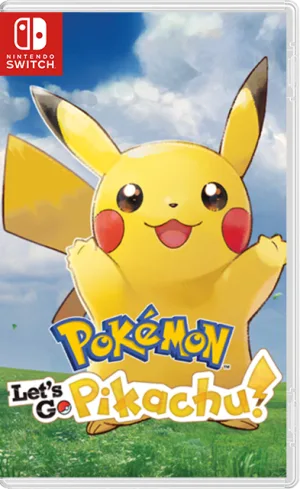
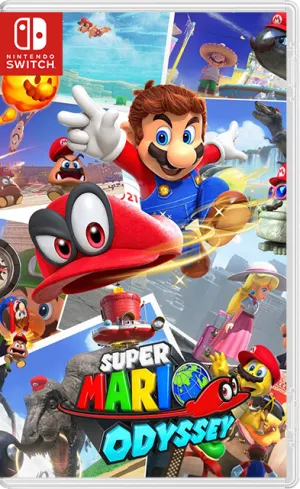
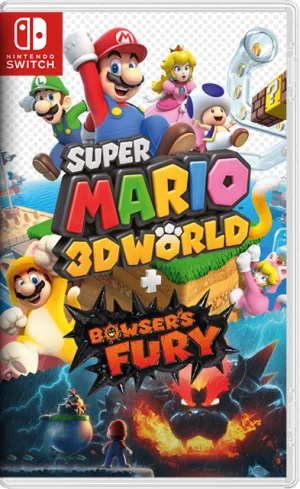
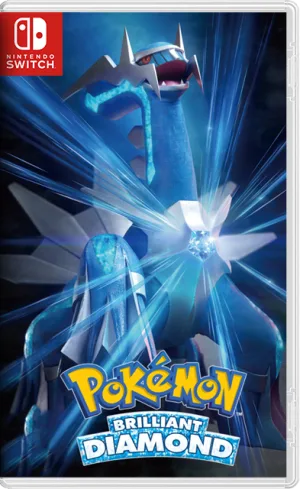
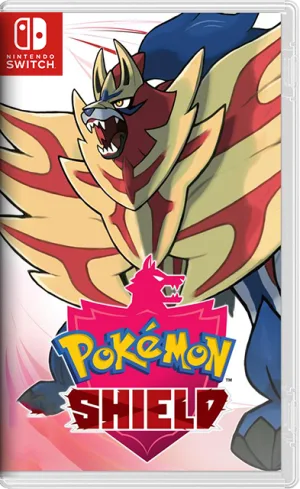
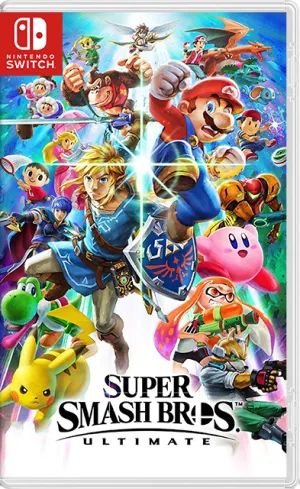
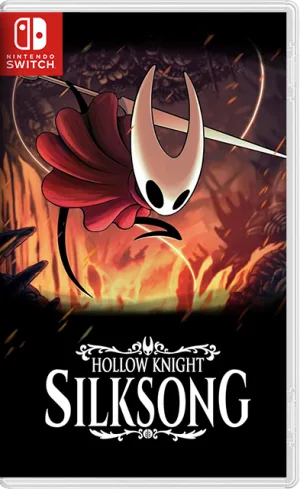
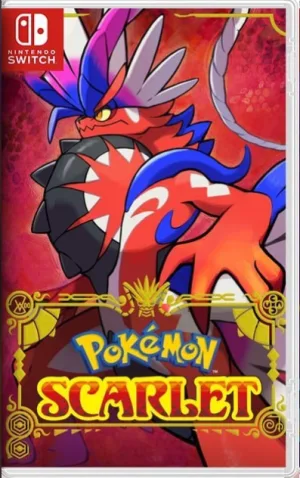
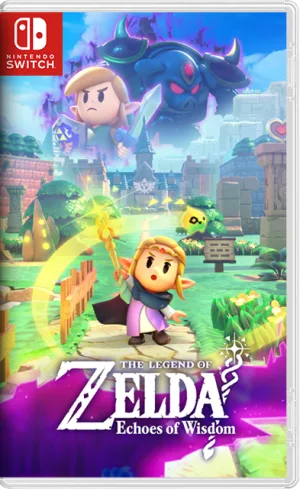
A pack of Switch games hand-picked by NSWxxx, ready for MIG Switch.
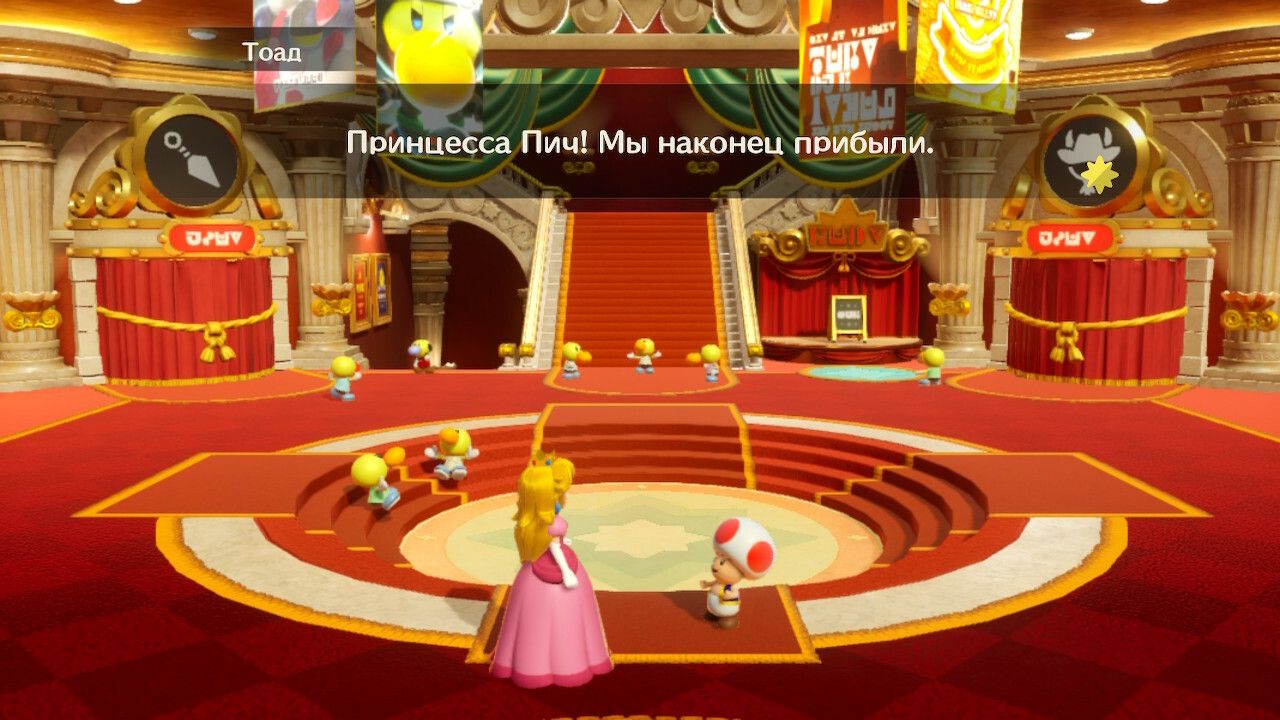
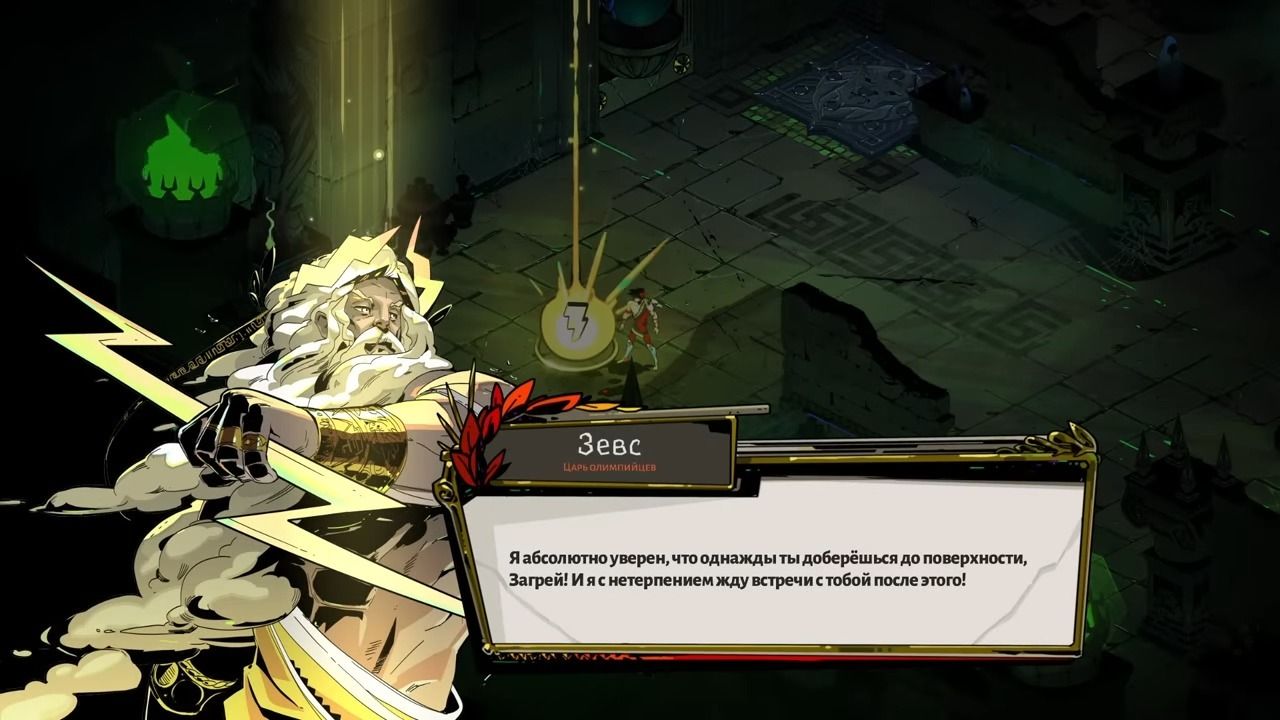
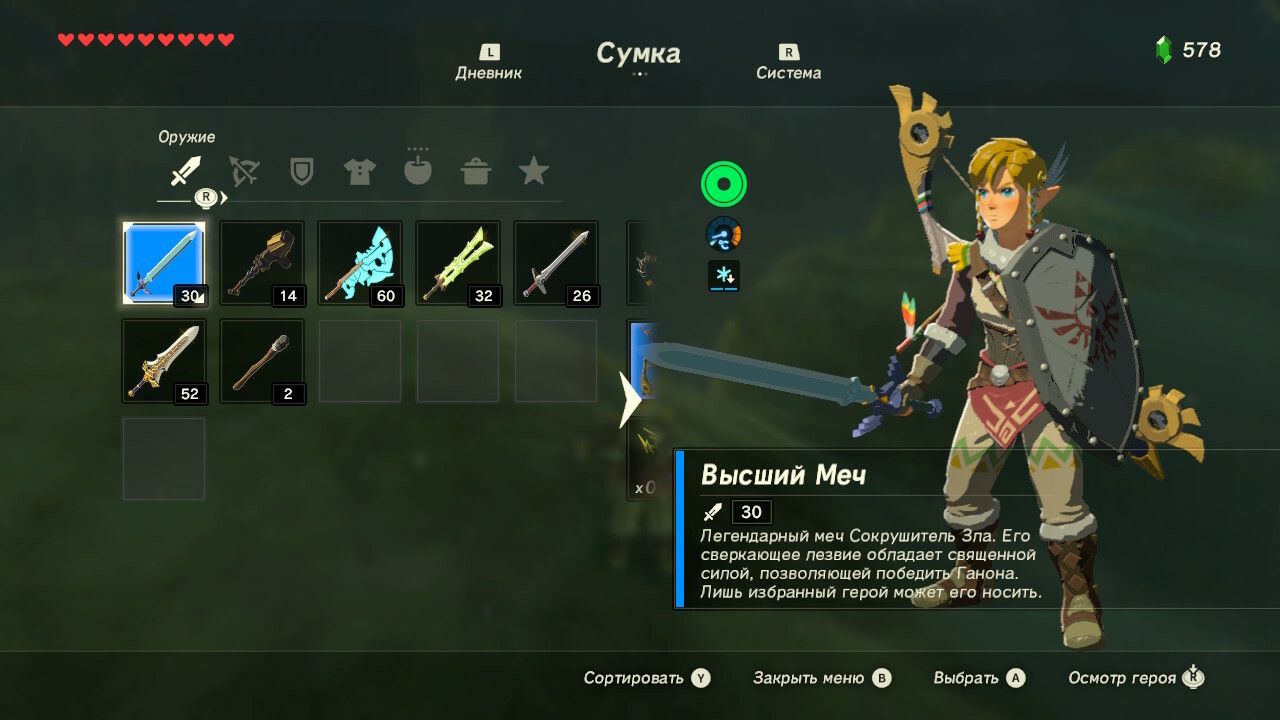
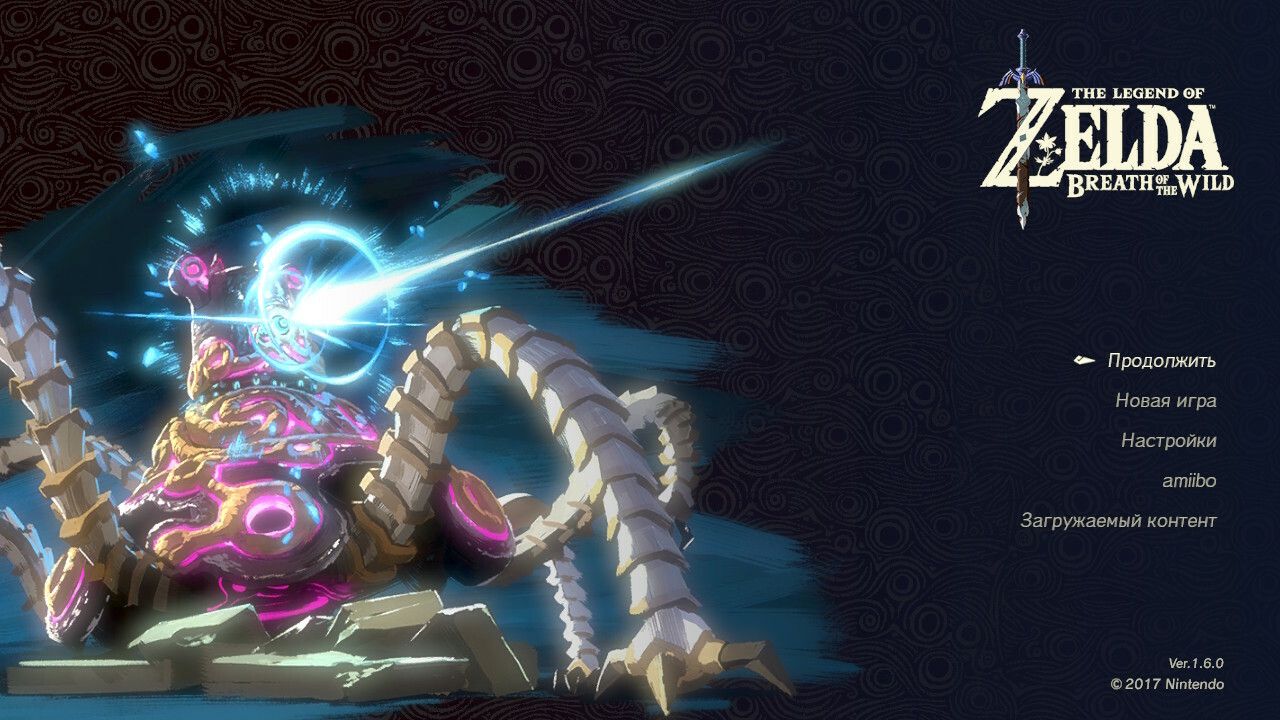
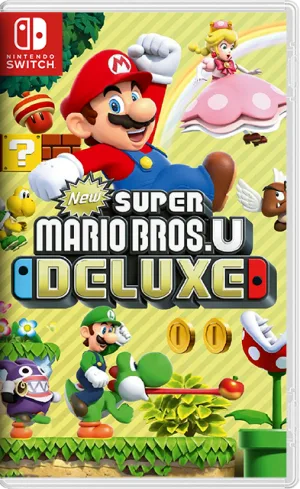
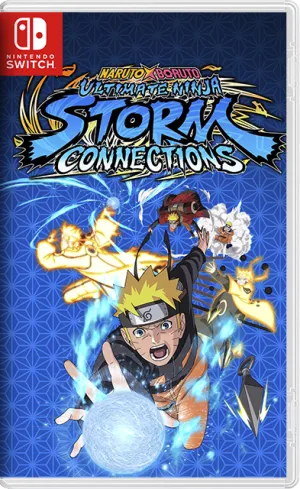
MIG Switch Game Collection là gói tổng hợp các game Switch do NSWxxx chọn lọc. Gói được chuẩn bị để bạn dùng nhanh với máy MIG Switch. Thay vì tìm từng game, bạn có thể tải cả bộ trong một lần.
Bộ sưu tập này do đội ngũ NSWxxx tổng hợp từ các game phổ biến nhất trên site, cập nhật lần đầu ngày 29/10/2024.
MIG Switch là thiết bị dạng băng game cho phép chạy file game Switch từ thẻ nhớ. Vì vậy, file game cần được chuẩn bị đúng định dạng XCI để nhận ổn định. Các game trong gói đã được sắp xếp gọn gàng theo tên.
Gói gồm nhiều thể loại, từ phiêu lưu, nhập vai đến đua xe và game chơi chung. Bạn có thể chỉ lấy game mình cần thay vì tải toàn bộ.
Trước khi dùng, bạn nên cập nhật firmware cho MIG Switch và kiểm tra dung lượng thẻ nhớ. Một số game lớn có thể cần thẻ dung lượng cao.
Theo mình, đây là gói tiện lợi cho người mới dùng MIG Switch và chưa biết bắt đầu từ đâu. Điểm trừ là dung lượng tổng khá lớn, nên bạn nên chọn lọc trước khi tải.
Bạn có thể xem thêm hướng dẫn trong mục Tutorials để cài đặt và sử dụng MIG Switch đúng cách.
Comments 0