DLC + UPD
Exclusives
Pokémon Sword
Nintendo
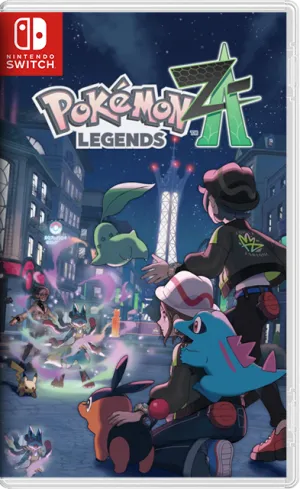
Adventure in Lumiose with real-time battles and Mega Evolution.
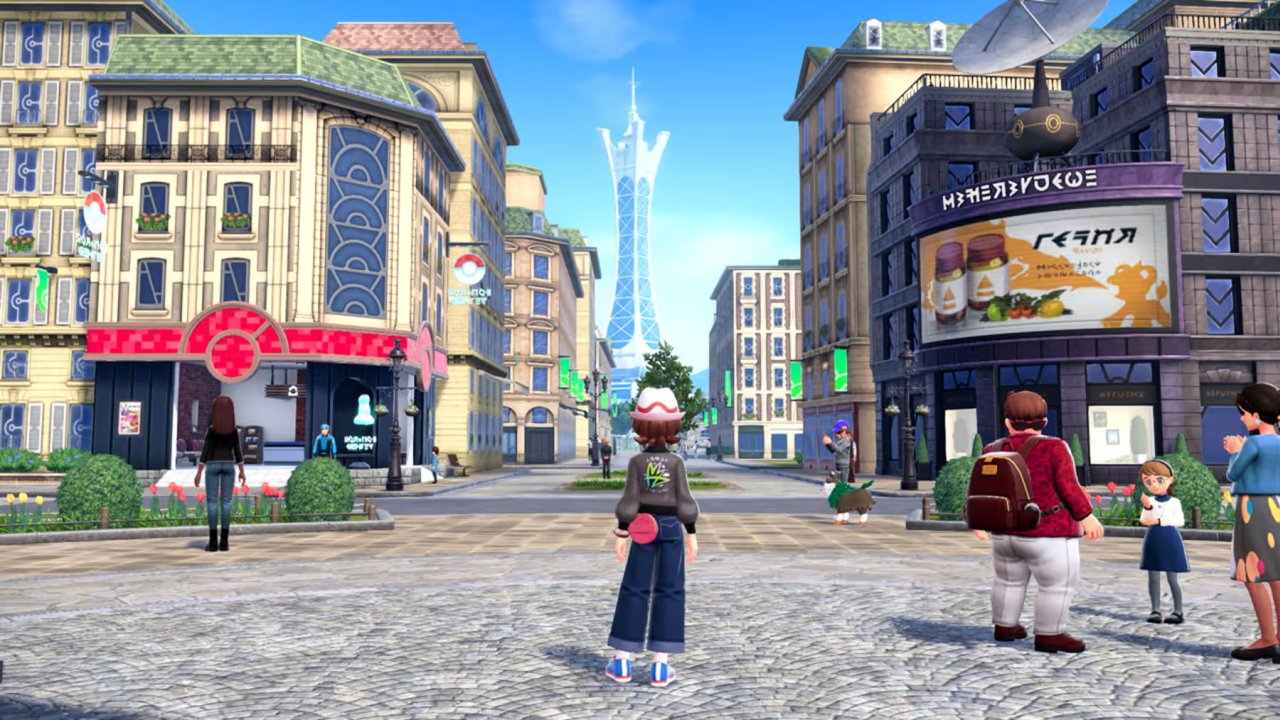

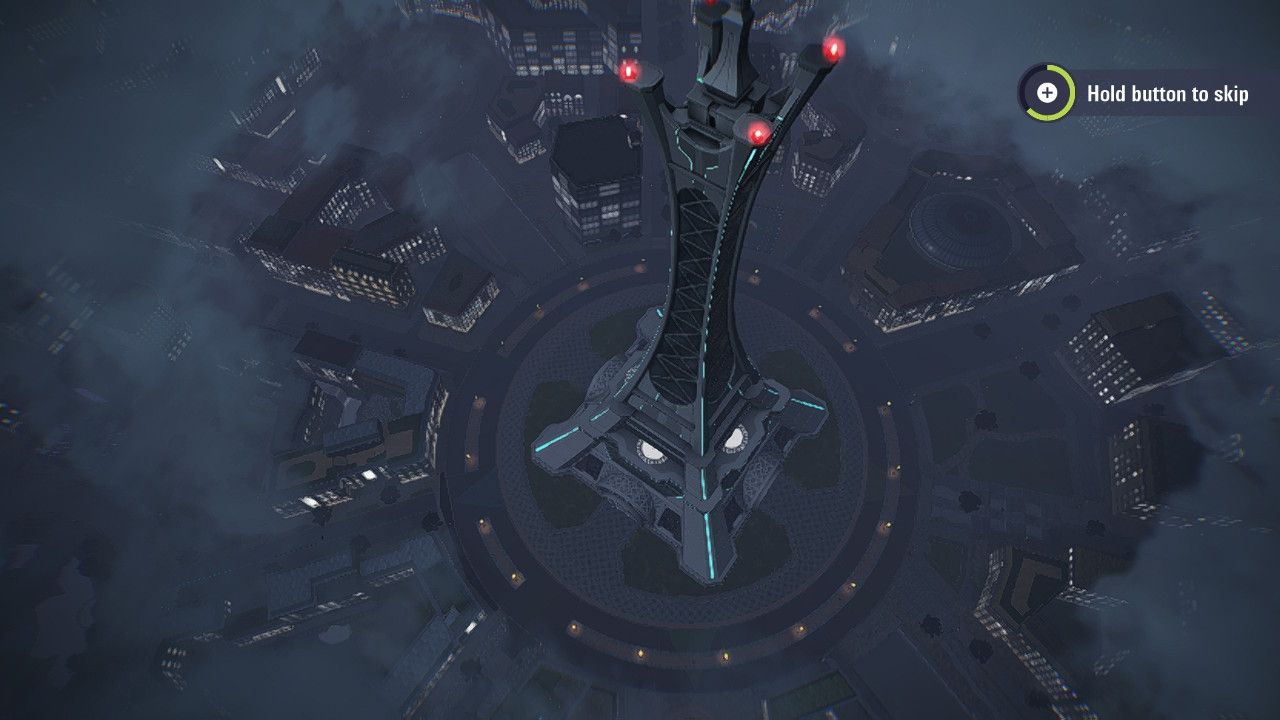
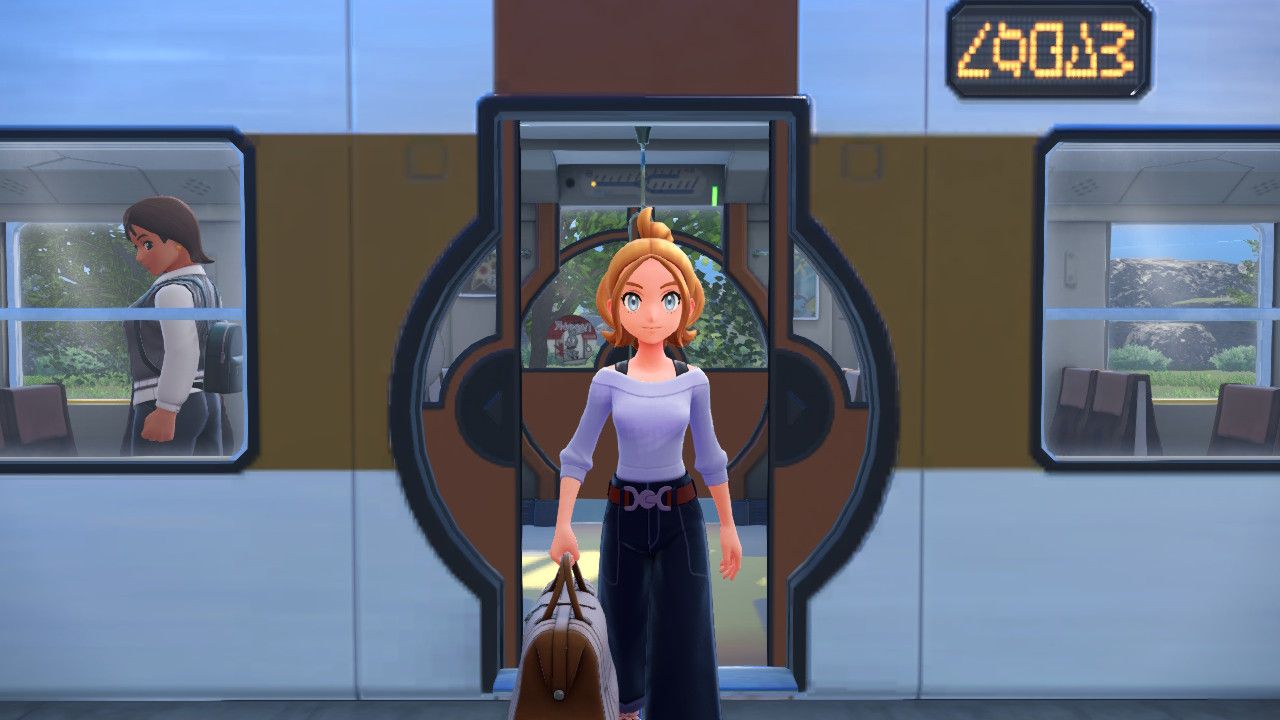
As darkness falls over Lumiose, you’re hiding behind a bush when a Mega Pokémon suddenly goes berserk. You must dodge attacks while simultaneously shouting your Pokémon’s moves at the right moment. That’s the unique feeling Pokémon Legends: Z-A will bring you. As usual, the adventure takes place entirely within a city, but the experiences remain diverse. The game features real-time combat and the return of Mega Evolution, which fans are eagerly anticipating.
Pokémon Legends: Z-A was developed by Game Freak and published by Nintendo and The Pokémon Company. The game launched on Nintendo Switch on October 16, 2025. This is the sequel to the Legends series after Pokémon Legends: Arceus and may be the final main game of the series for Switch 1. The game sold very well, quickly reaching approximately 5.8 million copies in its first week. Note that this version includes the Mega Dimension DLC with a new story and more Mega forms.
The story takes place in Lumiose City approximately five years after Pokémon X and Y. The city is undergoing reconstruction with the goal of allowing humans and Pokémon to live together harmoniously. You accept the offer to join Team MZ to protect the city from out-of-control Mega Pokémon. Gradually, you will uncover a hidden secret within the city and delve deeper into what is happening.
In the heart of the city are the Wild Zones. This is where you can find wild Pokémon. You can sneak up to throw Poké Balls, or directly attack to catch them. Like all traditional Pokémon games, you have a starter Pokémon. The game offers choices of Chikorita, Tepig, or Totodile. When night falls, the bustling Lumiose quickly transforms into a giant arena for the Z-A Royale tournament. Battling here allows you to climb from Z rank to A rank – as the game’s name suggests.
The biggest difference in Pokémon Legends: Z-A is the return of real-time combat. You can move around the field yourself, issue commands to use moves, and time your cooldowns instead of waiting for your turn. Mega Evolution has also returned with many new Mega forms. Battles against rebellious Mega Pokémon are the most challenging because there are always unexpected variables.
On IGDB, the game has a critical rating of around 80/100. Player scores are around 69/100. Many people are excited about the new combat style and the return of Mega Evolution. In my opinion, this is a worthwhile innovation for the series because it makes battles more intense and engaging. Besides that, the Z-A Royale tournament is another reason I come back every night. A minor drawback is that the graphics aren’t very sharp, but that’s an inherent characteristic of this game series, and the Switch 1’s hardware isn’t powerful enough for Nintendo to make it significantly sharper.
Download ROMs and DLCs for Pokémon Legends: Z-A for Switch Emulator and Simulator
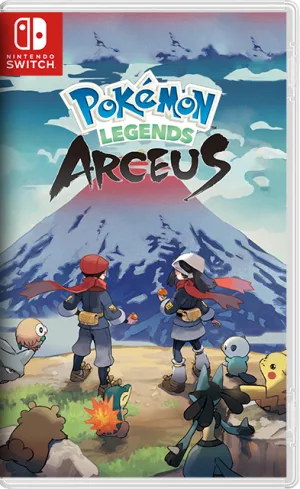
Pokémon Legends: Z-A is a treat for long-time fans of the series, especially those who loved Mega Evolution. The game also makes positive changes to build a more action-oriented Pokémon game. If you enjoy the Legends series, you can also play Pokémon Legends: Arceus. And if you just want to spend an evening strolling through the streets with Pokémon, Lumiose is always open for you here.

Comments 0