UPD
Exclusives
Super Mario Galaxy 1+2
Nintendo
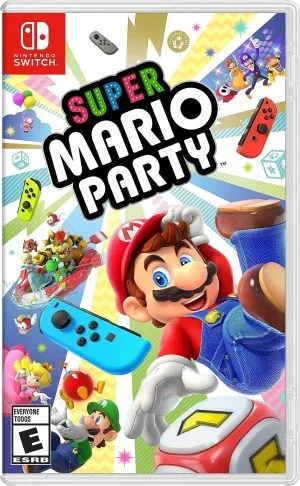
Mario and friends roll dice and race for stars across 80 fun minigames.
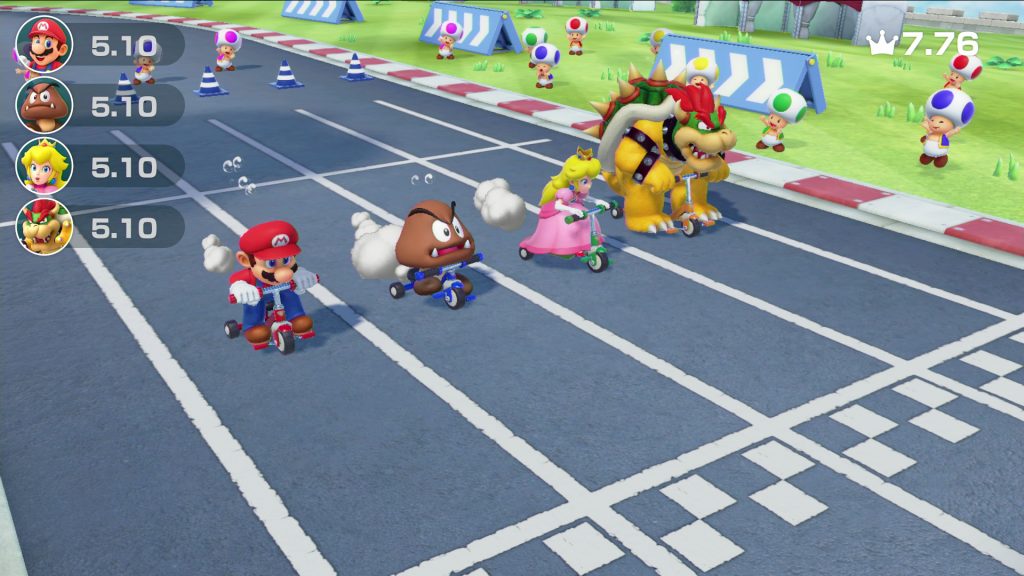
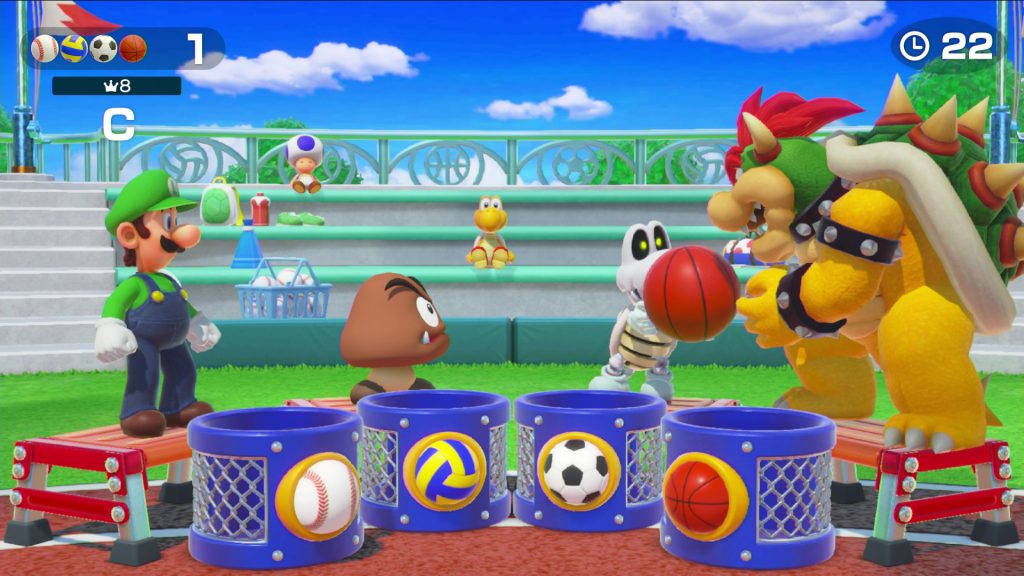
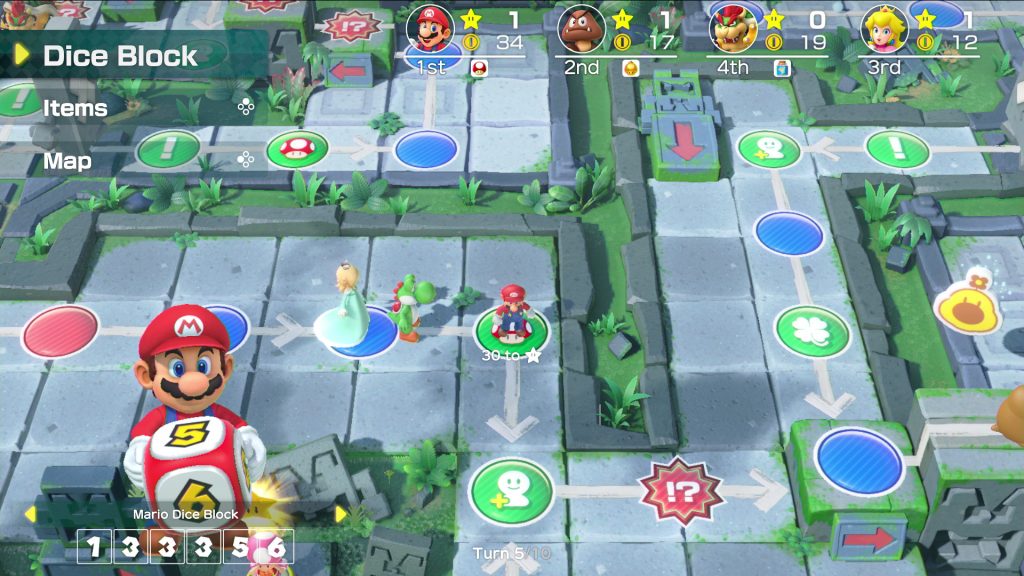
Super Mario Party là bữa tiệc trên bàn chơi cùng Mario và những người bạn. Bạn tung xúc xắc, đi quanh bàn chơi, thu thập sao và chơi mini game sau mỗi lượt. Đây là game tuyệt vời cho những buổi tụ tập.
Super Mario Party do NDcube phát triển, Nintendo phát hành trên Switch ngày 5/10/2018. Game bán hơn 20 triệu bản.
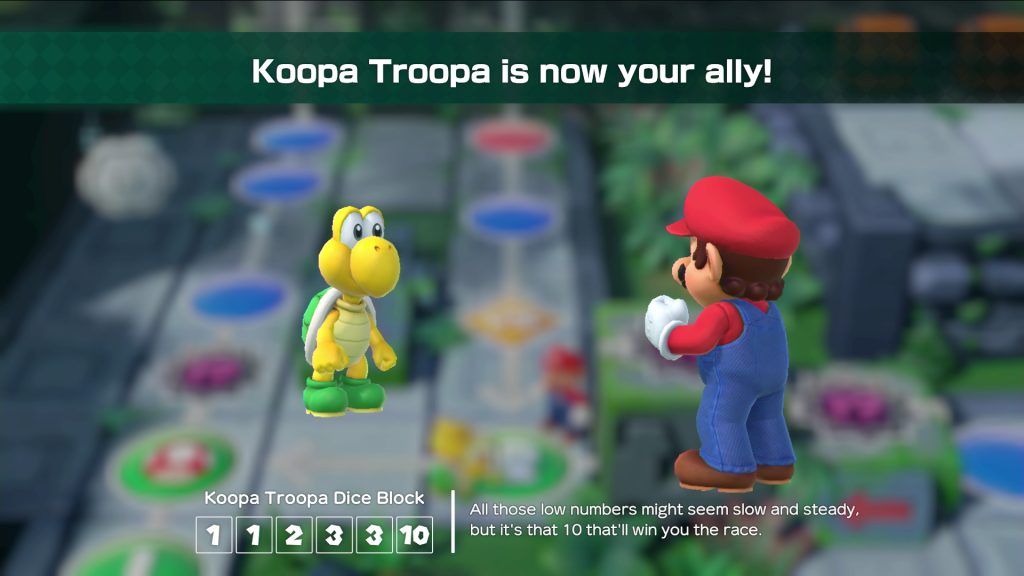
Mỗi nhân vật có một viên xúc xắc riêng với các mặt đặc biệt, tạo thêm chiến thuật khi đi trên bàn chơi. Bạn có thể kết thêm đồng minh để được tung thêm xúc xắc. Game có hơn 80 mini game, từ đua xe tới nấu ăn.
Ngoài chế độ chính, Partner Party cho bạn chơi theo đội hai người. River Survival là chế độ hợp tác chèo thuyền xuôi dòng sông. Sound Stage là các mini game theo nhịp điệu. Toad's Rec Room có những trò dùng hai máy Switch ghép màn hình.
Bốn người có thể chơi chung, mỗi người chỉ cần một Joy-Con. Bản cập nhật sau này bổ sung chế độ chơi online.
Theo mình, Super Mario Party rất vui khi có đủ bốn người. Xúc xắc riêng của nhân vật là ý tưởng hay. Điểm trừ là số lượng bàn chơi khá ít và chỉ có thể chơi bằng một Joy-Con. Nếu muốn nhiều nội dung hơn, các bản sau sẽ tốt hơn.
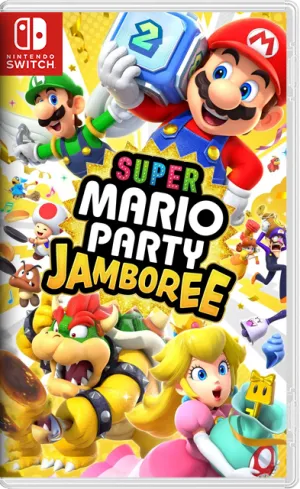
Bạn có thể thử Super Mario Party Jamboree, phần lớn nhất của series.
Comments 0