UPD
Exclusives
Nintendo•Action•Adventure
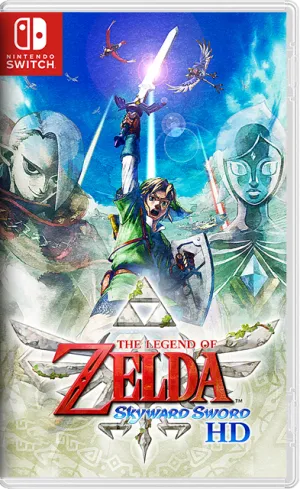
The Legend of Zelda: Skyward Sword HD NSP ROM v1.0.1 Download
Updated Aug 11, 2021 · v1.0.1Link soars above the clouds to discover the origins of the Zelda series.
- Version
- v1.0.1
- Size
- 7.07 GB
- Format
- NSP
- Released
- Jul 16, 2021
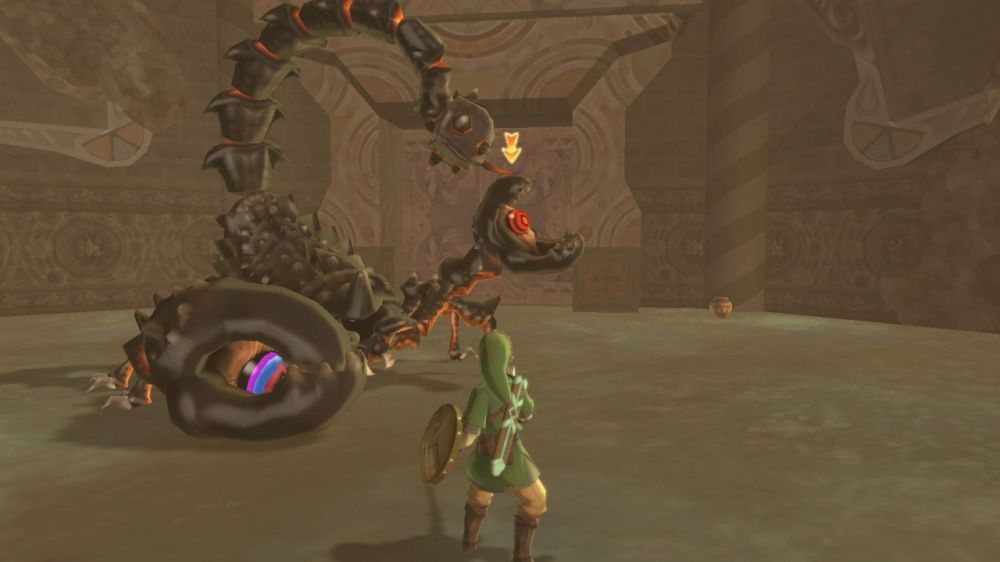
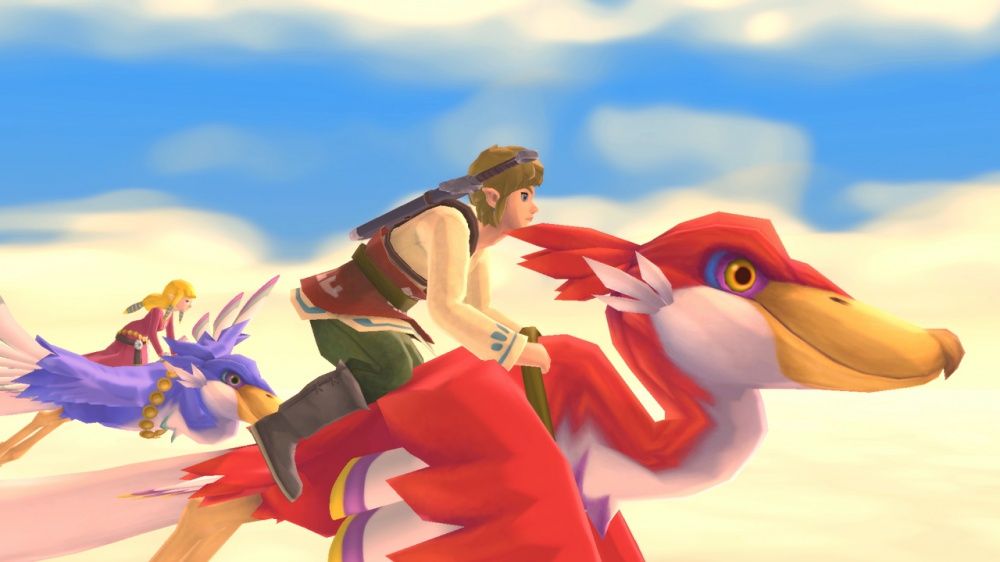
The Legend of Zelda: Skyward Sword HD Information
- Title ID
- 01002DA013484000
- Firmware Tested
- 11.0.1 + Atmosphere 0.17.0
- eShop Version
- v65536
- Language
- En, Ja, Es, Fr, De, It, Nl, Ru, Ko, Zh, Tw
- Region
- Free
- Players
- Single player
- Age Rating
- E10+
- Collection
- The Legend of Zelda
- Nintendo eShop
- View on eShop
Update History
- UpdateUpdated to v1.0.1
- ReleaseReleased
The Legend of Zelda: Skyward Sword HD Description
If Breath of the Wild lets you roam freely throughout Hyrule, Skyward Sword HD takes you back to the beginning of it all. This is the origin story of the entire Zelda series, where the Master Sword first originated. The game features meticulously crafted dungeons, an emotionally rich story, and a unique swordplay. Many fans consider it a must-have piece to fully understand the series.
Skyward Sword HD is published by Nintendo and developed by Nintendo EPD Production Group No. 3. It was released on Switch on July 16, 2021. This is an upgrade from the Wii version released in 2011. The graphics are upgraded to 1080p and the frame rate is significantly smoother.
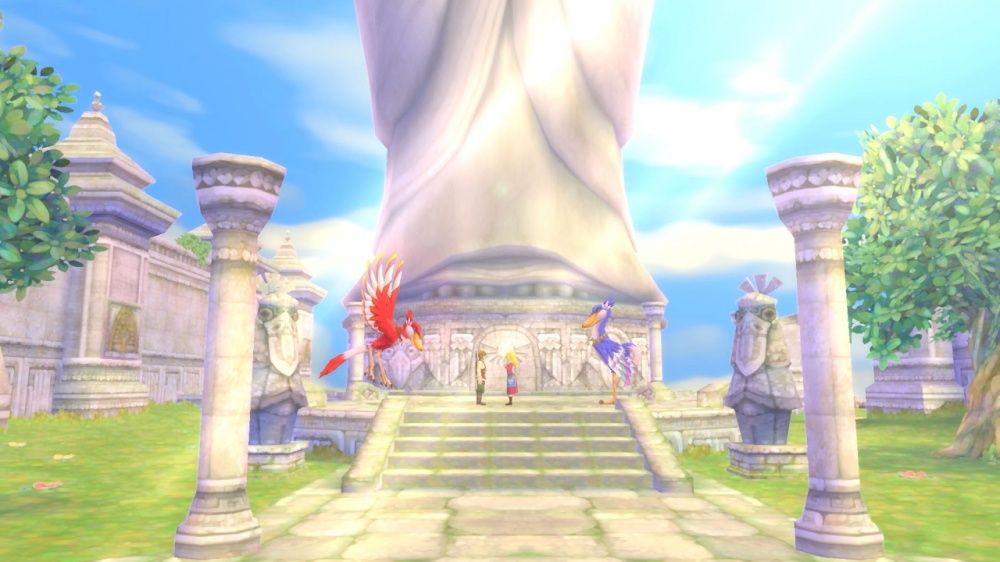
Link is born on Skyloft, an island floating in a sea of clouds. His peaceful life is shattered when Zelda, his childhood friend, is swept down to the surface below. To save her, Link must venture into the desolate, monster-infested wasteland for the first time. Gradually, the story reveals the origins of Master Sword and the fated connection between Link, Zelda, and the forces of darkness.
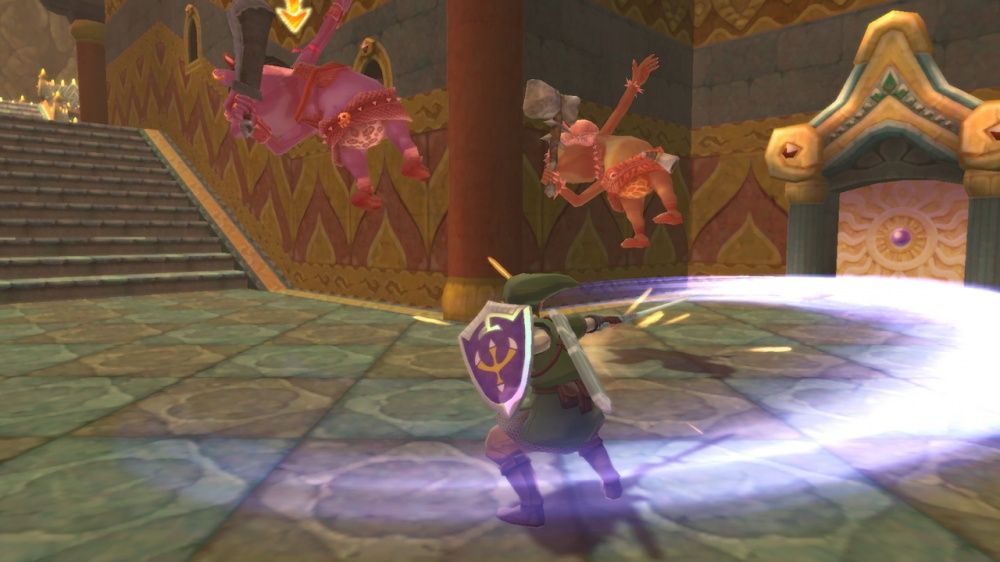
You ride a Loftwing bird, flying between islands in the sky, then landing in three large regions: Faron Forest, Eldin Volcano, and Lanayru Desert. Each region has its own puzzles, monsters, and dungeons. The unique aspect lies in the sword-swinging combat style. Enemies can block attacks, so you must observe and strike in the right direction to inflict damage.
The HD version allows you to play using the Joy-Con controllers with motion sensors like on the Wii, or just the analog stick to swing your sword. This allows for comfortable gameplay even when holding the console. The game also features auto-save, allowing you to skip dialogue and reduce Fi’s reminders. Item descriptions are also more concise, making the gameplay smoother than the original.
According to IGDB, critics rated the game around 83/100, while players gave it around 77/100. This score shows that the HD version was quite well-received, especially thanks to improvements that made the game easier to play than the Wii version. In my opinion, this is the part where Zelda most genuinely portrays the relationship between Link and Zelda, and the dungeons are very cleverly designed. The only minor drawback is that the beginning is a bit slow and sometimes requires revisiting old areas.
Skyward Sword HD is suitable for Zelda fans who want to understand the origins of the series. It’s also great for those who enjoy puzzles, dungeon exploration, and following a clear storyline. If you’re familiar with Breath of the Wild, you’ll encounter a very different Hyrule, one that’s more relatable and emotional. This is a journey back to the legend that Zelda fans will remember for a long time.
Installation Instruction
- NSP and XCI are the same game. Both formats run exactly the same on emulators, so download whichever you like.
- On an emulator (Eden, Ryujinx):
- Install prod.keys and firmware first (see the Firmware & Prodkey page).
- Add your games folder to the emulator so the game shows up in the list.
- Install Updates and DLC via File → Install Files to NAND (Eden) or Manage Title Updates / Manage DLC (Ryujinx).
- On a modded Switch: install the file with Tinfoil (highly recommended) or DBI Installer. Both also install NSZ files.
- Install order: Base game first, then the Update, then the DLC.
- Game won’t start? Check Required Firmware on the game page and update your firmware and keys to that version or newer.
Problems with file version, download or installation?
NEW v1.4.3.3b
UPD
Hollow Knight
Team Cherry
UPD
Exclusives
Kirby and the Forgotten Land
Nintendo
UPD
Exclusives
Pokémon Legends: Arceus
Nintendo
UPD
Exclusives
Donkey Kong Country Returns HD
Nintendo
DLC + UPD
Dragon Ball FighterZ
BANDAI NAMCO Entertainment
UPD
Exclusives
Super Mario Bros. Wonder
Nintendo
UPD
Exclusives
Super Mario Galaxy 1+2
Nintendo
DLC + UPD
Exclusives
Pokémon Legends: Z-A + DLCs
Nintendo
DLC + UPD
Exclusives
Luigi’s Mansion 3
Nintendo
DLC + UPD
UPD
Exclusives
New Super Mario Bros. U Deluxe
Nintendo
UPD
Exclusives
Super Mario 3D All-Stars
Nintendo
DLC + UPD
Exclusives
Mario Kart 8 Deluxe
Nintendo
UPD
Exclusives
Pokemon Let’s Go Pikachu
Nintendo
UPD
Exclusives
Super Mario Odyssey
Nintendo
UPD
Exclusives
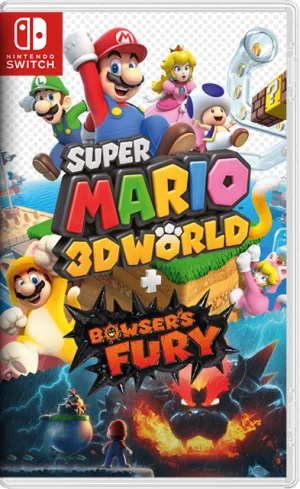
Super Mario 3D World + Bowser’s Fury
Nintendo
UPD
Exclusives
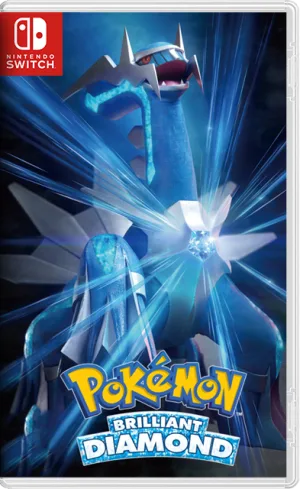
Pokémon Brilliant Diamond
Nintendo
DLC + UPD
Exclusives
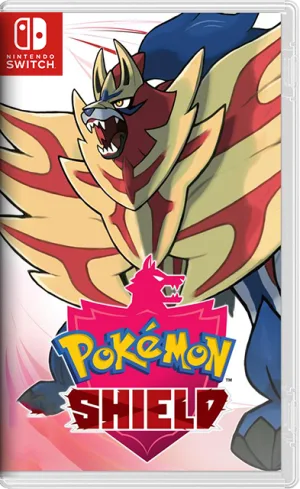
Pokémon Shield
Nintendo
DLC + UPD
Exclusives
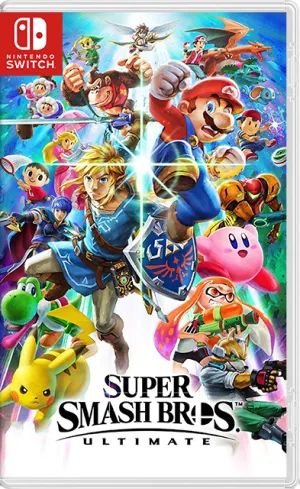
Super Smash Bros Ultimate
Nintendo
UPD
Hollow Knight: Silksong
Team Cherry
DLC + UPD
Exclusives
Pokémon Scarlet
Nintendo
DLC + UPD
Exclusives
Animal Crossing: New Horizons
Nintendo
MIG Switch Game Collection
NSWxxx
DLC + UPD
Exclusives
Pokémon Violet
Nintendo
Comments 0